 Aim Trainer
Find your line.
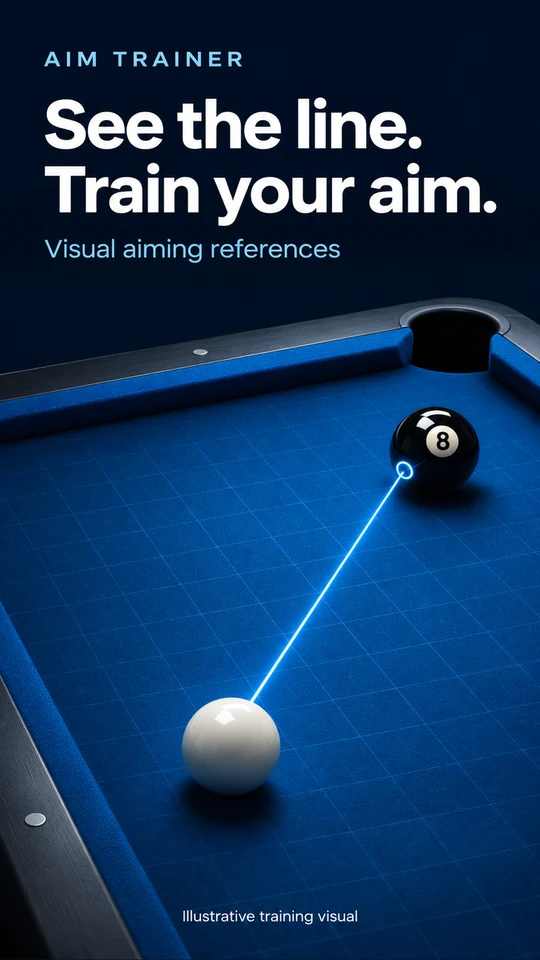
Compare your aim with an extended guideline. Make small adjustments and see how the reference changes.

A fresh perspective on pool practice
Read the angles. Explore the next move. A visual companion for more deliberate mobile billiards practice.
For Android · Visual practice references
Artwork is illustrative. Actual guidance varies by device and scene.
Look beyond the first contact
Build your understanding of the table with visual references you can study, adjust and practice.
Compare your aim with an extended guideline. Make small adjustments and see how the reference changes.
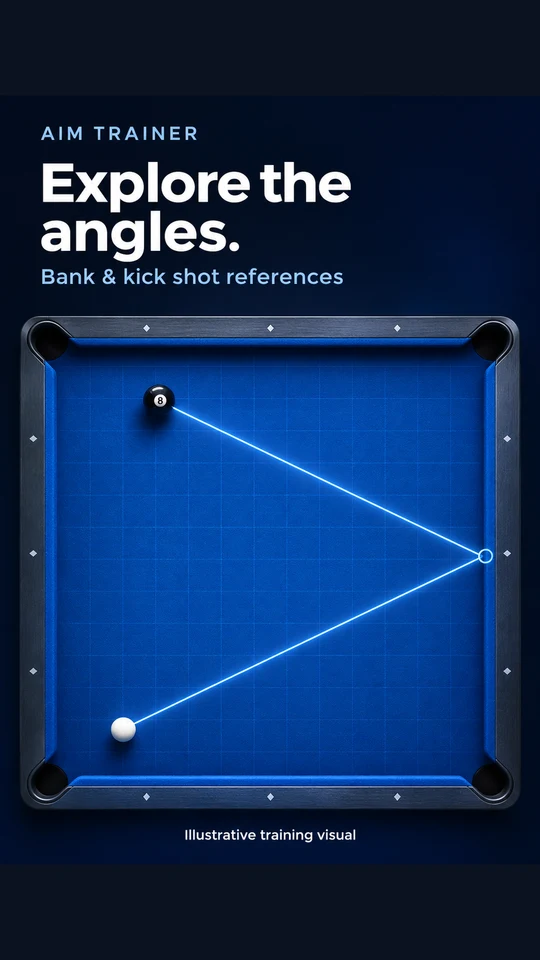
Study bank and kick shot references to understand reflected angles when a direct route is unavailable.
Use cue-ball path references and multi-line guidance to explore possible movement after contact.
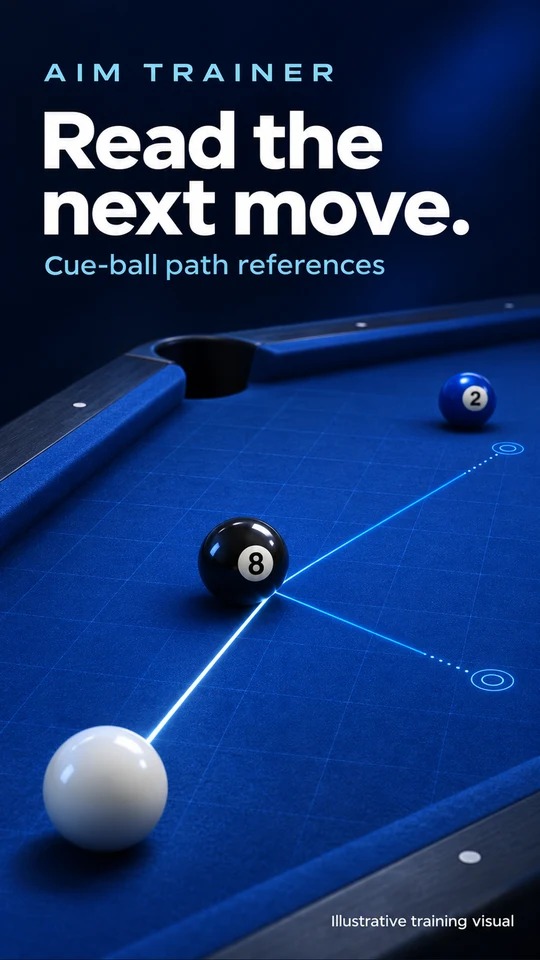
Promotional illustrations, not app screenshots. Features depend on your plan and supported game version.
Your practice. Your pace.
Keep control of every shot while learning to read the table more carefully.
Open Aim Trainer and follow the screen-capture and overlay permission prompts. Share only the game you intend to practice.
Use supported visual guidelines to compare alignment and cushion angles. Adjust your shot yourself.
Revisit your practice with the available recording tools, then try a different position or route.
Understand what you share
Screen capture lets Aim Trainer analyze the screen you share. Overlay permission lets it display aiming references over the game.
Visual analysis runs on your device. Limited diagnostic screenshots may also be uploaded if guidelines fail to appear during an eligible session. Our Privacy Policy explains this, feedback attachments, usage data and subscription validation.
Read the Privacy Policy ↗Before you start
No. It is an independent visual practice companion for supported mobile billiards games. It is not affiliated with or endorsed by any game publisher.
The features described here provide visual references. You choose the direction and play each shot yourself. Guidance is an estimate and does not guarantee a result.
Available features depend on the plan, device and supported game version. Review the options shown in the app. Prices, trial eligibility and renewal terms are displayed before purchase; no fixed price or trial is promised on this website.
Yes. Stop the active sharing session through Android's screen-sharing controls. You can also revoke permissions in Android Settings. A shared screen can contain notifications or other visible content, so avoid sharing sensitive information.
Use Google Play subscriptions to review or cancel an active subscription. Uninstalling Aim Trainer does not cancel a subscription.
Use the in-app feedback feature or email aimtrainergreat@hotmail.com. For a data request, include the app name and your in-app device identifier if available. Do not send passwords or payment-card details.
Meet the refreshed Aim Trainer
The new Android release is being prepared. Check the Google Play listing for availability, supported devices and current plans.